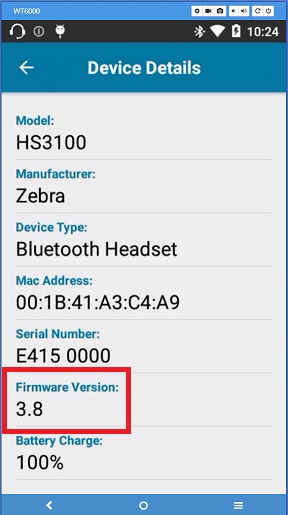
Check firmware version
Use this guide to verify the current firmware version on your HS3100 headset.
🔍 Step 1: Check Firmware Version via Device Central
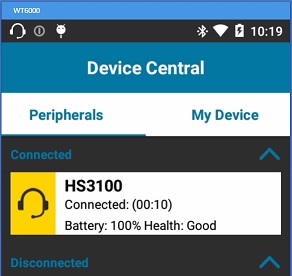
- Connect the HS3100 headset to a compatible Zebra mobile computer (e.g., WT6000, TC7X series).
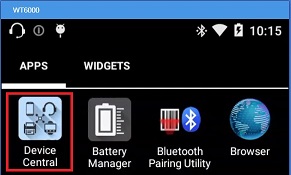
- Open Device Central or the matching configuration app on the mobile device.
- Select HS3100 from the connected peripherals list.
- Locate the Firmware Version field.